
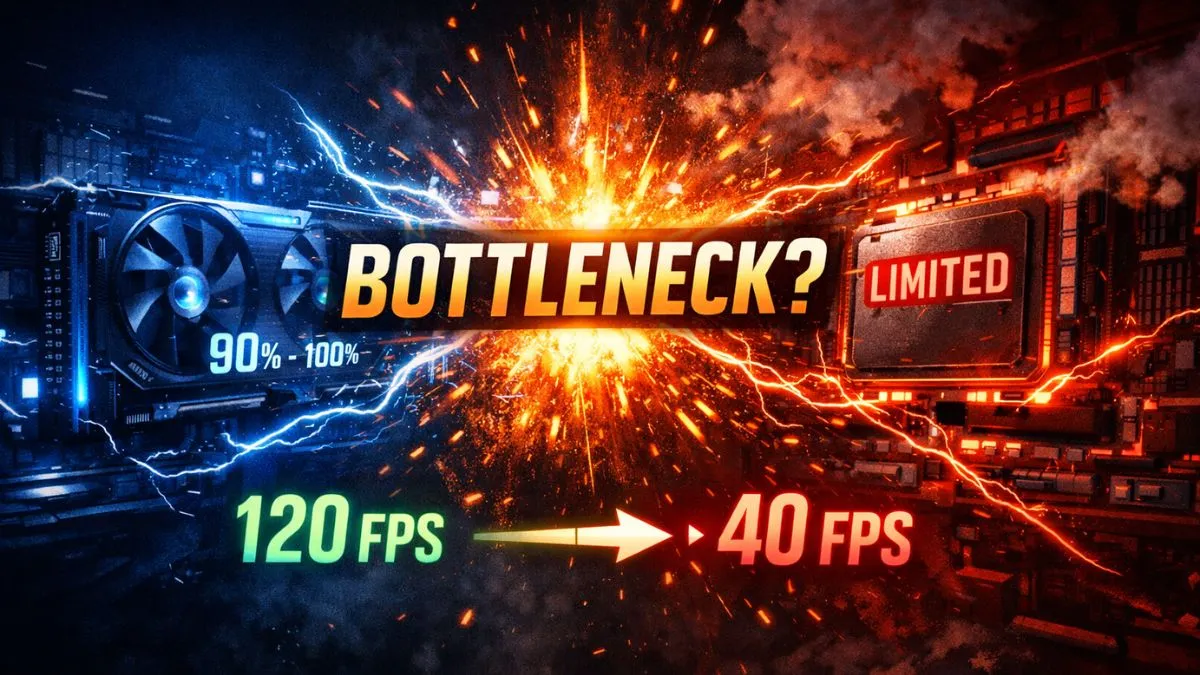
No, it’s not bad if your PC is bottlenecking.
A bottleneck doesn’t damage your hardware; it simply means one component (like the CPU or GPU) is limiting overall performance.
However, a severe bottleneck can cause low FPS, stuttering, and poor system efficiency, which may require optimization or a hardware upgrade.
Introduction
Your PC isn’t broken… but it might be holding itself back — and if you’ve been wondering, “Is it bad if your PC is bottlenecking?” you’re definitely not alone.
You launch your favorite game expecting smooth performance… but something feels off. FPS drops. GPU usage stays low. CPU usage spikes. And suddenly, the question hits you: is something wrong with your PC — or is this actually a bottleneck?
Here’s the truth — a bottleneck doesn’t damage your hardware, and it won’t “break” your PC. But it can quietly limit your performance if you ignore it.
Think of it like a supercar stuck in traffic. The power is there… but something is holding it back. That’s exactly what’s happening inside your system — one component is slowing everything else down.
So the real question isn’t just what a bottleneck is — it’s whether it’s something you need to worry about… or just a normal part of how PCs work.
What Bottlenecking Actually Means (The Mental Model)
Let’s simplify this.
Your PC is made up of multiple components working together—CPU, GPU, RAM, and storage. Ideally, they should all operate at similar performance levels. But when one component is weaker or slower, it holds back the others.
Imagine pouring water through a pipe. If one section is narrower, the entire flow slows down. That narrow section? That’s your bottleneck.
Or picture a highway:
- Fast cars (your GPU)
- Narrow lane (your CPU)
No matter how fast the cars are, they’re stuck moving at the lane’s speed.
This is exactly how bottlenecking works, and it’s more common than you think.
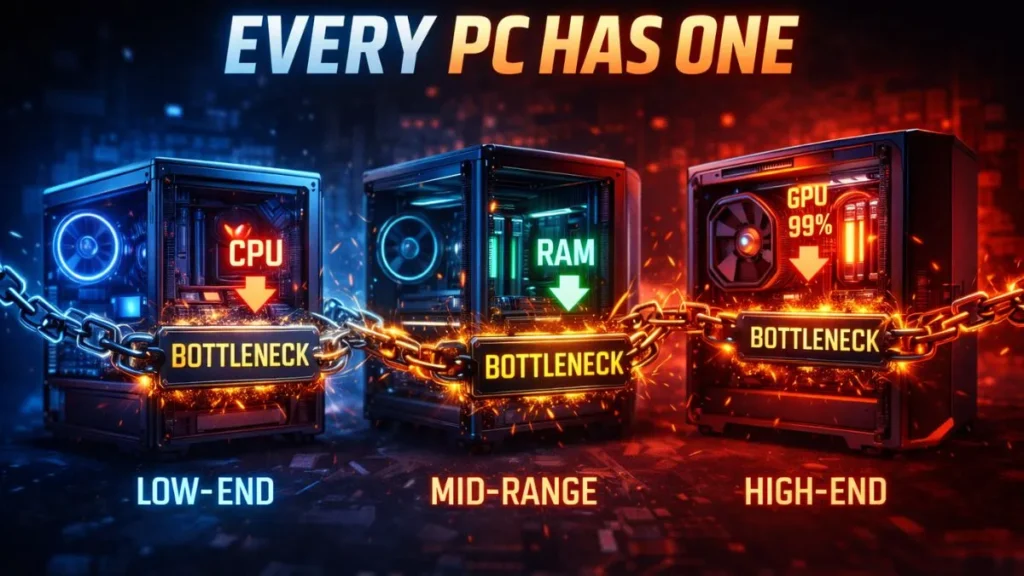
The Truth: Every PC Has a Bottleneck (Yes, Even Yours)
Here’s something most people don’t realize:
Every single PC has a bottleneck.
Even high-end builds. Even perfectly balanced systems.
Why?
Because at any given moment, one component is always working harder than the others. That’s just how computing works. The goal isn’t to eliminate bottlenecks—that’s impossible. The goal is to keep them balanced and harmless.
In fact, in gaming, a GPU bottleneck is often ideal. It means your graphics card is being fully utilized—which is exactly what you want when pushing high resolutions and visual quality.
This flips the entire mindset:
Bottleneck ≠ Problem (by default)
The real issue is when it becomes too extreme.
When Bottlenecking Becomes a Real Problem
Now we get into the part that actually matters.
A bottleneck becomes bad when it starts affecting your experience in noticeable ways. And trust me—you’ll feel it when it happens.
Signs of a Bad Bottleneck:
- CPU usage is constantly at 100%
- GPU usage stuck below 60%
- Low FPS despite having a strong GPU
- Random stuttering or lag spikes
- System freezing or slow response times
This is where performance breaks down. You might have powerful hardware, but it’s being wasted because another component can’t keep up.
And this leads to issues like:
- Frame drops
- Input lag
- Inconsistent gameplay performance
At this point, it’s not just a “technical detail”—it’s a real user experience problem.
Types of Bottlenecks You Need to Know
Understanding bottlenecks is easier when you break them into types. Each one affects your system differently.
CPU Bottleneck
This happens when your processor is too weak to keep up with your GPU. It’s extremely common in gaming, especially at lower resolutions like 1080p. Your GPU sits idle while your CPU struggles to process game logic, physics, and AI.
GPU Bottleneck
This is actually the best-case scenario for gamers. It happens when your GPU is fully utilized, usually at higher resolutions like 1440p or 4K. This means your system is using its graphical power effectively.
RAM Bottleneck
If you have too little RAM (like 8GB in modern gaming), your system can start to stutter or freeze. Speed also matters—slow RAM can reduce performance even if capacity is enough.
Storage Bottleneck
Still using an HDD? That could be your issue. Slow storage leads to longer load times, texture pop-ins, and occasional stutter during gameplay.
Thermal Bottleneck (Advanced)
Heat can silently kill performance. When components overheat, they throttle themselves to prevent damage. That’s a temperature-related bottleneck, not a hardware mismatch.
Can Bottlenecking Damage Your PC? (The Truth)
Let’s clear this up once and for all:
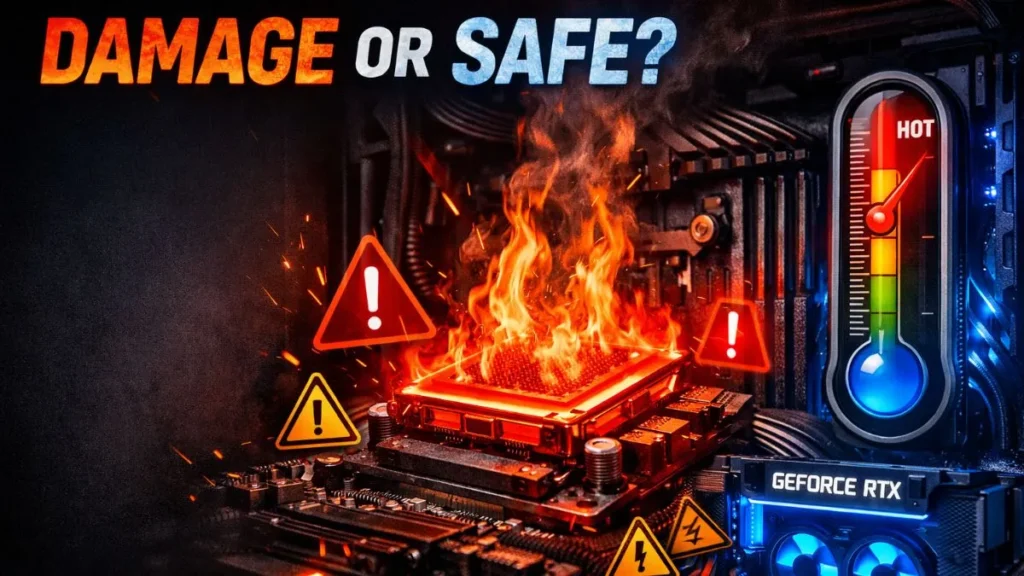
No, bottlenecking itself does NOT damage your PC.
Your hardware is designed to handle uneven workloads. A CPU running at 100% isn’t “breaking”—it’s doing its job.
But there’s a catch.
It’s not the bottleneck—it’s the heat.
If your CPU is constantly maxed out, it generates more heat. If your cooling system isn’t good enough, that heat can lead to:
- Thermal throttling
- Reduced lifespan (over time)
- Performance drops
So while bottlenecking isn’t dangerous, poor cooling combined with it can be.
Real-World Bottleneck Scenarios (Where It Actually Happens)
Let’s bring this into real life.
Scenario 1: High-End GPU + Weak CPU
You pair a powerful GPU with an older CPU. Result? The GPU never reaches full performance. You paid for power you can’t use.
Scenario 2: 1080p Gaming
At lower resolutions, the CPU does more work. This often creates a CPU bottleneck—even on decent systems.
Scenario 3: 4K Gaming
Now the GPU does most of the heavy lifting. This creates a GPU bottleneck, which is totally normal.
Scenario 4: 8GB RAM System
Modern games demand more memory. You’ll experience stuttering, freezing, and poor multitasking performance.
Scenario 5: Streaming + Gaming
Running a game and streaming software together can overload your CPU, creating sudden bottlenecks and lag spikes.
These scenarios show one thing clearly: bottlenecks depend on how you use your PC—not just your specs.
How to Check If Your Bottleneck Is Serious
You don’t need advanced tools to figure this out.
Method 1: Task Manager
Open it while gaming and check:
- CPU usage
- GPU usage
Method 2: In-Game Monitoring Tools
Many games and overlays show real-time usage stats.
How to Interpret It:
- CPU at 100% + GPU low → CPU bottleneck
- GPU at 100% → GPU bottleneck (normal)
Instead of guessing, you can also use a bottleneck calculator to instantly identify your issue and save time.
Should You Fix a Bottleneck? (Decision Framework)
Not every bottleneck needs fixing. Here’s how to decide.
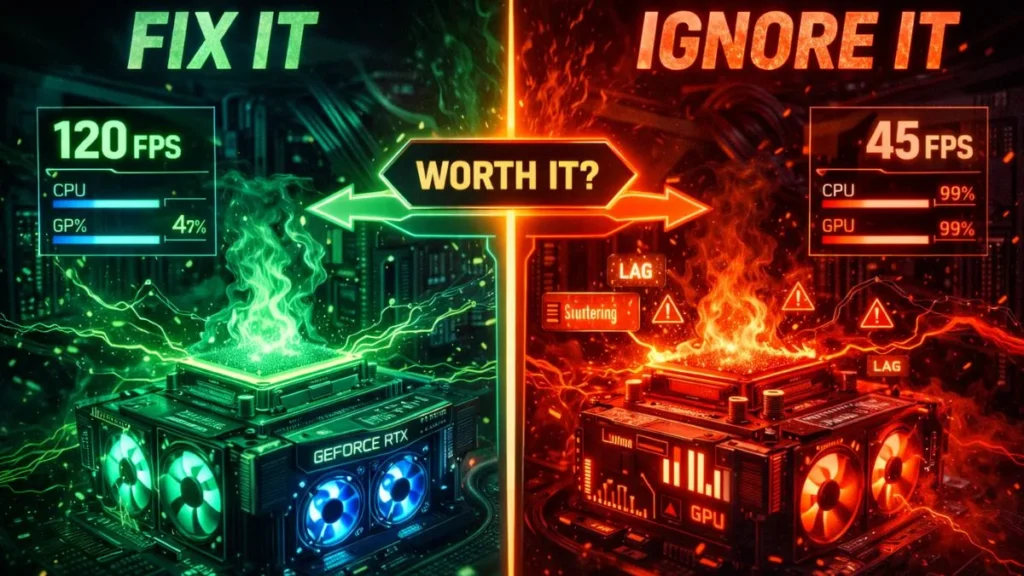
Fix It If:
- FPS is too low
- You experience stuttering
- There’s a major imbalance in components
Ignore It If:
- Performance is smooth
- No visible issues
- You’re satisfied with the results
This is where most people overreact. They see the word “bottleneck” and panic. But if your system runs fine, there’s nothing to fix.
How to Fix a Bottleneck (Smart Strategies)
If you do need to fix it, don’t rush into upgrades blindly.
Upgrade Strategy
Upgrade the weaker component only. Don’t waste money replacing everything.
Optimization Strategy
- Lower CPU-heavy settings (like shadows, physics)
- Increase resolution to shift load to GPU
System Optimization
- Close background apps
- Update drivers
- Optimize startup programs
Cooling Improvements
- Improve airflow
- Replace thermal paste
- Upgrade cooling solutions
Small changes can often solve big problems.
CPU vs GPU Bottleneck: Which Is Worse?
Here’s the simple answer:
- CPU bottleneck = worse for gaming
- GPU bottleneck = usually ideal
Why?
Because a CPU bottleneck limits everything—FPS, responsiveness, smoothness. A GPU bottleneck just means your graphics card is working at full capacity.
Advanced Insights Most People Don’t Know
This is where things get interesting.
- Bottlenecks change from game to game
- Resolution directly affects which component is stressed
- “Bottleneck percentage” tools are often unreliable
- Game engines use CPU and GPU differently
This means your system might perform perfectly in one game—and struggle in another.
That’s not your PC being broken. That’s just how software works.
Frequently Asked Questions
Below are the FAQs.
Is bottleneck always bad?
No, it’s a normal part of how PCs work. It only becomes bad when it affects performance.
Can bottleneck damage my PC?
No, bottlenecks don’t damage hardware. Only excessive heat and poor cooling can cause long-term issues.
Is a GPU bottleneck good?
Yes, especially in gaming. It means your GPU is being fully utilized.
Is a 10% bottleneck okay?
Yes, small bottlenecks are completely normal and not worth worrying about.
Should I upgrade CPU or GPU first?
Upgrade the weaker component causing the bottleneck—don’t guess, analyze first.
Conclusion: Bottlenecking Isn’t the Enemy
Bottlenecking is completely normal. Every PC has it, and in many cases, it’s actually a sign your system is working as expected.
The real issue is imbalance. If your system feels slow, stutters, or wastes hardware potential, then yes—it’s time to act.
But if everything runs smoothly?
Relax. Your PC is fine.
If you want to be sure, check your system with a bottleneck calculator and make decisions based on real data—not fear.
Video Tutorial to fix the bottleneck to improve FPS and gaming performance.
PC Bottleneck Calculator helps users analyze CPU and GPU performance, detect bottlenecks, and optimize PC builds with simple tools and practical guides.