
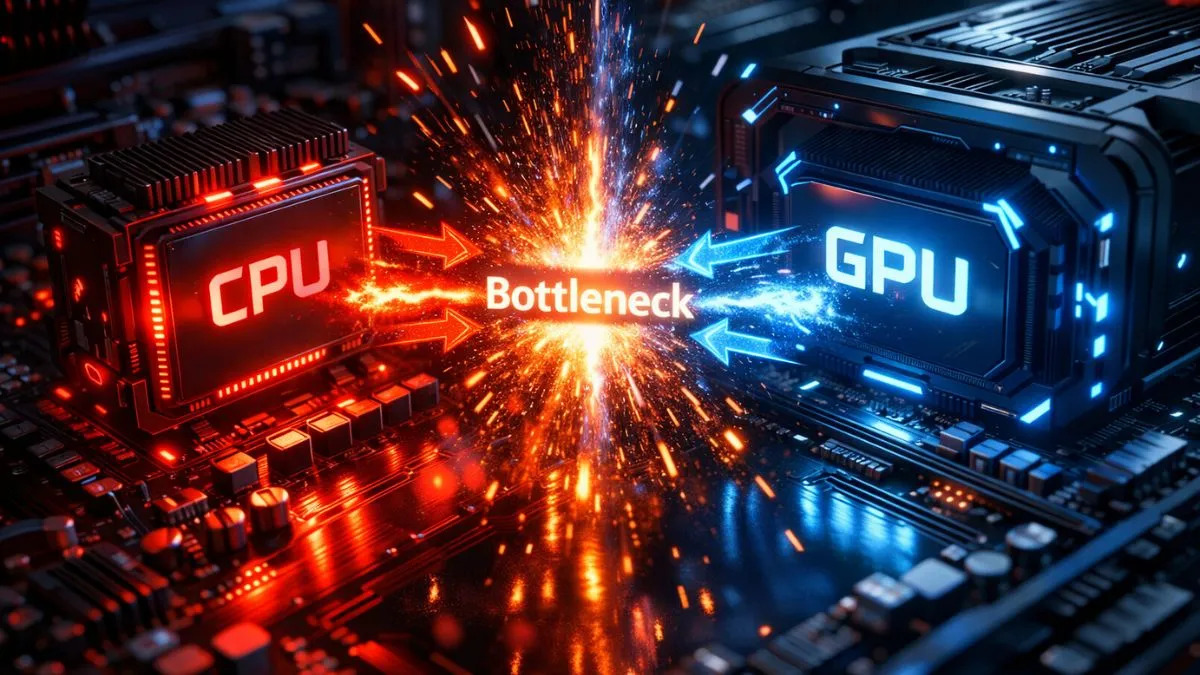
A CPU bottleneck occurs when your processor can’t keep up with your graphics card, resulting in low GPU usage and stuttering. A GPU bottleneck happens when your graphics card is fully utilized and limits performance, which is normal in most games. In general, a GPU bottleneck is preferable because it results in smoother, more stable FPS.
What Is a Bottleneck in a PC? (Simple Explanation)
Understanding CPU vs GPU bottleneck helps you improve PC performance. A bottleneck in a PC happens when one component limits the performance of another, preventing your system from reaching its full potential. Think of it like a narrow road blocking fast cars—no matter how powerful your hardware is, the slowest part controls everything.
Bottleneck Meaning in Gaming PCs
In gaming, a bottleneck means the slowest component determines your frame rate (FPS). If your CPU can’t keep up, your GPU sits idle. If your GPU is too weak, your CPU waits. It’s all about balance.
Why Bottlenecks Happen
Bottlenecks occur due to:
- Hardware mismatch (e.g., strong GPU + weak CPU)
- Workload imbalance (CPU-heavy vs GPU-heavy tasks)
- Resolution scaling (1080p vs 4K affects load distribution)
CPU vs GPU – Understanding Their Roles in Performance
Both the CPU and GPU work together to deliver smooth gameplay. The CPU handles logic and instructions, while the GPU focuses on visuals. A proper balance between them ensures consistent performance.
What the CPU Does in Gaming
The CPU (Central Processing Unit) is the brain of your system. It handles game logic, AI behavior, physics calculations, and sends instructions (called draw calls) to the GPU. If your CPU is slow, everything feels delayed—especially in fast-paced games.
Modern games rely heavily on single-core performance, which means even a multi-core CPU can bottleneck if one core is overloaded.
What the GPU Does in Gaming
The GPU (Graphics Processing Unit) is responsible for rendering visuals. It processes textures, lighting, shadows, and special effects. The more complex the graphics, the harder your GPU works.
At higher resolutions like 1440p and 4K, GPUs handle millions of pixels per frame, making them the primary performance driver.
CPU vs GPU Workload Explained
The CPU works in a sequential manner—handling logic step by step—while the GPU excels at parallel processing, rendering thousands of pixels simultaneously.
In simple terms:
- CPU = Instructions + Logic
- GPU = Rendering + Visual Output
This division is why imbalance creates bottlenecks.
CPU Bottleneck vs GPU Bottleneck (Full Comparison Guide)
What Is a CPU Bottleneck?
A CPU bottleneck happens when your processor can’t keep up with your GPU. The GPU waits for instructions, leading to lower FPS and poor performance.
What Is a GPU Bottleneck?
A GPU bottleneck occurs when your graphics card is fully utilized and cannot render frames fast enough. The CPU sits idle while waiting.
CPU vs GPU Bottleneck (Quick Comparison Table)
A CPU bottleneck and a GPU bottleneck affect performance differently. A CPU bottleneck causes instability and stuttering, while a GPU bottleneck usually results in lower but stable FPS. Understanding both helps you identify what is limiting your system.
| Factor | CPU Bottleneck | GPU Bottleneck |
|---|---|---|
| Usage Pattern | CPU 90–100% | GPU 95–100% |
| GPU Usage | Low (60–80%) | High (99–100%) |
| FPS Behavior | Stutters, unstable | Stable but lower FPS |
| Cause | Weak CPU | Weak GPU |
| Fix | Upgrade CPU | Upgrade GPU |
How to Tell If Your PC Has a Bottleneck
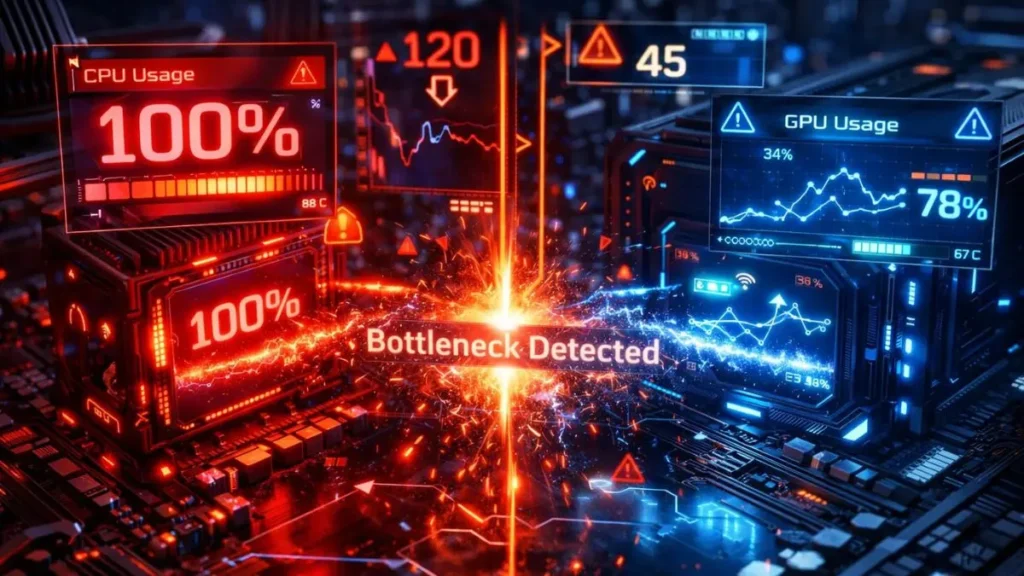
You can identify a bottleneck by monitoring CPU and GPU usage during gaming. If one component is consistently at high usage while the other is low, it indicates an imbalance. Tools like Task Manager or performance monitoring software can help you check this easily.
Check CPU vs GPU Usage (Easy Method)
Use tools like Task Manager or MSI Afterburner. If your GPU isn’t hitting high usage, something is holding it back.
Signs of CPU Bottleneck
- CPU usage at 90–100%
- GPU usage below 80%
- Stuttering and inconsistent FPS
- FPS doesn’t improve with lower settings
Signs of GPU Bottleneck
- GPU usage at 95–100%
- FPS drops at high graphics settings
- CPU usage remains low
Bottleneck Test Methods
- Real-time monitoring
- Benchmarking tools
- Changing resolution (quick test)
Real Examples of CPU vs GPU Bottlenecks
Real-world examples make bottlenecks easier to understand. A strong GPU paired with a weak CPU can limit performance because the CPU cannot keep up. Similarly, a weak GPU with a strong CPU will result in lower FPS due to limited graphics processing.
Powerful GPU + Weak CPU (CPU Bottleneck)
Pairing a high-end GPU with an older CPU results in wasted GPU power. For example, a modern GPU may only reach 60–70% usage because the CPU can’t keep up.
Powerful CPU + Weak GPU (GPU Bottleneck)
A strong CPU with a weak GPU leads to maxed-out GPU usage and limited FPS.
Resolution Impact on Bottlenecks
- 1080p → CPU bottleneck common
- 1440p → Balanced performance
- 4K → GPU bottleneck dominant
Game Type Impact
- Esports titles → CPU-heavy
- AAA games → GPU-heavy
Which Is Worse – CPU or GPU Bottleneck?
A CPU bottleneck is usually worse because it can cause stuttering, frame drops, and inconsistent performance. A GPU bottleneck, on the other hand, is generally more stable and only limits maximum FPS. This is why a GPU bottleneck is often considered acceptable.
When CPU Bottleneck Is Worse
CPU bottlenecks cause:
- Frame drops
- Micro-stutters
- Inconsistent gameplay
These issues are especially noticeable in competitive gaming.
When GPU Bottleneck Is Better
A GPU bottleneck is often preferred because:
- It provides stable performance
- Your GPU is fully utilized
- No major stuttering occurs
Ideal Scenario (Balanced System)
The goal isn’t to eliminate bottlenecks—it’s to balance them so neither component severely limits the other.
How to Fix CPU and GPU Bottlenecks
CPU bottlenecks can be fixed by upgrading the processor, closing background apps, or increasing resolution to shift the load to the GPU. GPU bottlenecks can be improved by lowering graphics settings, enabling upscaling technologies, or upgrading the graphics card. The goal is to balance both components.
How to Fix CPU Bottleneck
- Upgrade your CPU
- Close background apps
- Increase game resolution (shifts load to GPU)
How to Fix GPU Bottleneck
- Lower graphics settings
- Enable DLSS/FSR
- Upgrade GPU
Software-Level Fixes
- Update drivers
- Optimize in-game settings
- Adjust power plans
Best CPU-GPU Pairing Strategy
A balanced CPU and GPU combination ensures that neither component limits the other. Pairing hardware within the same performance tier helps achieve optimal results. Avoid extreme mismatches to prevent bottlenecks and wasted performance.
Other Types of Bottlenecks in a PC
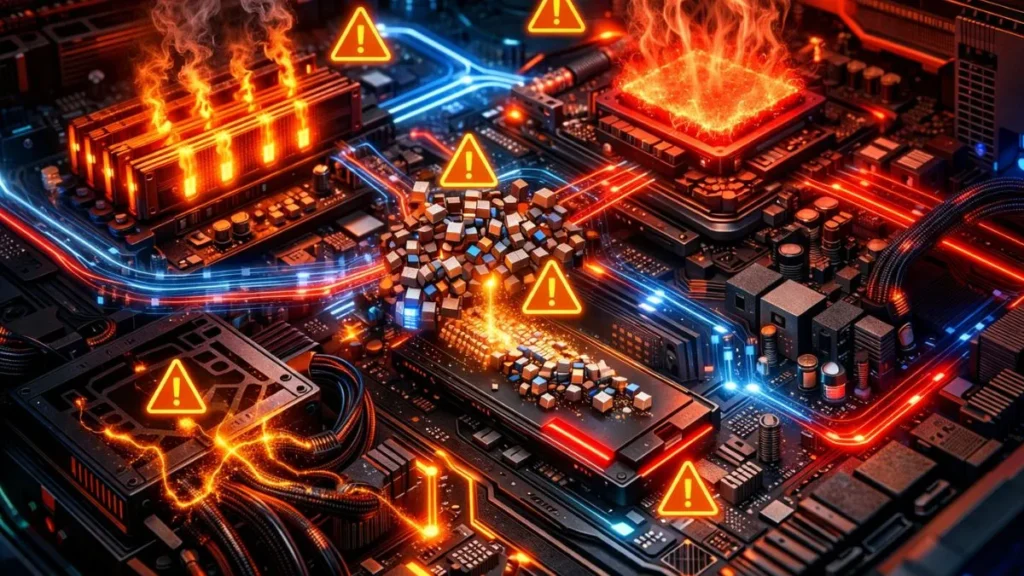
Apart from CPU and GPU, other components can also create bottlenecks. Low RAM, slow storage, overheating, and insufficient power supply can all affect performance. These factors should also be considered when optimizing your system.
RAM Bottleneck
Low RAM (under 16GB) causes stuttering and lag.
Storage Bottleneck
HDDs slow down loading and texture streaming.
Thermal Bottleneck
Overheating reduces performance via throttling.
Power Supply Limitations
Insufficient power can limit component performance.
Check Your Bottleneck Instantly (Free Tool)
A bottleneck calculator quickly analyzes your system and shows how balanced your setup is. You just need to enter your CPU and GPU, select the resolution, and the tool evaluates performance.
Steps to use:
- Enter your CPU and GPU
- Select the resolution
- Analyze performance balance
This helps you save time, understand your system better, and make smarter upgrade decisions.
Frequently Asked Questions
Common questions asked about CPU vs GPU Bottlenecks.
Is it better to have a CPU bottleneck or a GPU bottleneck?
A GPU bottleneck is better because it provides stable FPS and full GPU utilization.
How does CPU or GPU bottlenecking work?
One component limits performance. The CPU feeds data, and the GPU renders it—if one is slower, it creates a bottleneck.
Why do you get a bottleneck at 1080p but not at 1440p?
At 1080p, the CPU handles more work. At higher resolutions, the GPU takes over, balancing performance.
What is a 90% GPU bottleneck?
It means your GPU is heavily utilized (which is normal and good for gaming).
Should you upgrade your CPU or GPU first?
- CPU bottleneck → upgrade CPU
- GPU bottleneck → upgrade GPU
How to tell if CPU or GPU is the bottleneck?
Check usage:
- CPU 100% + low GPU → CPU bottleneck
- GPU 100% → GPU bottleneck
Is 100% GPU usage bad for gaming?
No, it’s ideal unless overheating occurs.
Can a bottleneck damage your PC?
No, it only affects performance—not hardware safety.
How much bottleneck is acceptable?
- 5–10% → Normal
- 10–20% → Manageable
- 20%+ → Noticeable
Does RAM or storage cause bottlenecks, too?
Yes, especially in modern games with high memory demands.
Conclusion
Understanding CPU vs GPU bottlenecks is the key to unlocking your PC’s full performance. Instead of blindly upgrading hardware, you now know how to identify the real limitation, analyze usage patterns, and fix the problem intelligently. Whether you’re chasing higher FPS, smoother gameplay, or better visuals, balance is everything. Build smart, optimize wisely, and your system will deliver exactly what you expect—no wasted performance, no hidden limits.
PC Bottleneck Calculator helps users analyze CPU and GPU performance, detect bottlenecks, and optimize PC builds with simple tools and practical guides.