
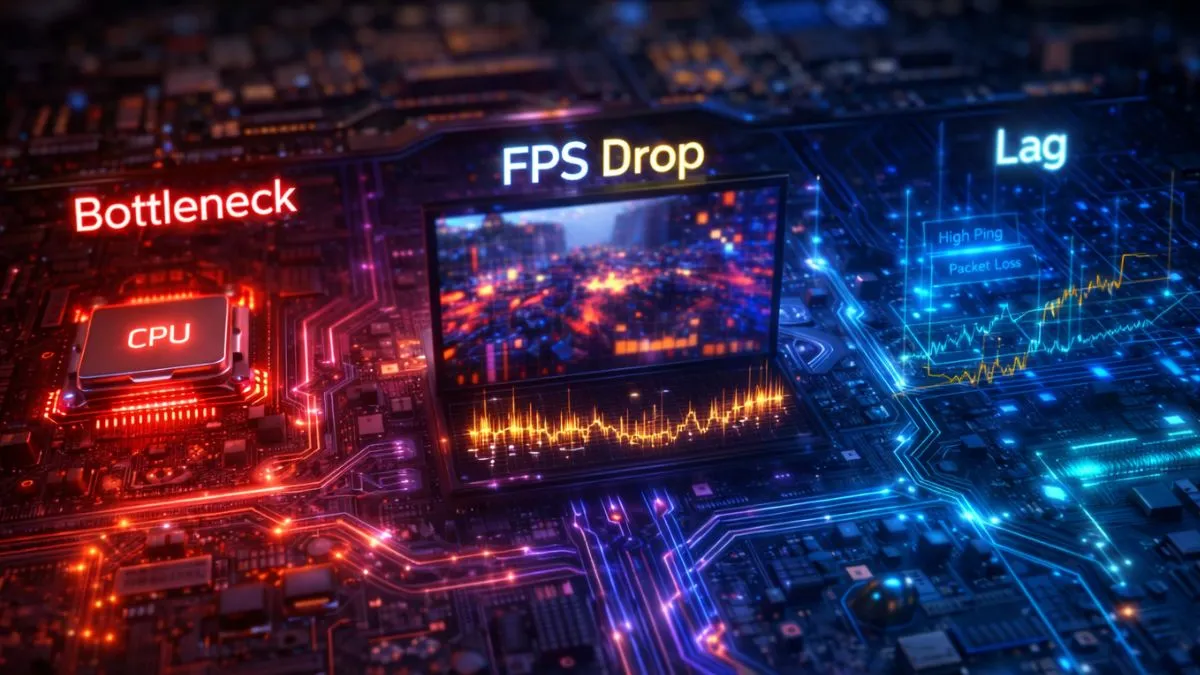
Bottleneck, lag, and FPS drops are different performance issues in gaming. A bottleneck happens when your CPU or GPU limits performance, lag is caused by network delay or high ping, and FPS drops occur when your system can’t render frames consistently, leading to stuttering gameplay.
Introduction
You finally build or buy a powerful gaming PC. High-end GPU, fast CPU, plenty of RAM—everything looks perfect on paper. Yet the moment you jump into your favorite game, something feels… off. Stutters appear out of nowhere, your character rubber-bands, or your FPS drops randomly. It’s frustrating, right? You start wondering if your system is faulty or if modern games are just poorly optimized.
Here’s the truth: most players misdiagnose what’s actually happening in the bottleneck vs lag vs FPS drops situation. They use these terms interchangeably, even though they are completely different problems. That confusion leads to wrong upgrades, wasted money, and endless tweaking without real improvement. A smooth gaming experience isn’t just about high FPS—it’s about balance, stability, and consistency across multiple systems working together.
Modern games are more complex than ever. They rely on your CPU, GPU, RAM, storage, and even your internet connection simultaneously. If just one of these elements falls behind, your entire experience suffers. That’s why even high-end PCs can struggle with certain titles.
This guide breaks everything down in a simple, practical way. By the end, you’ll know exactly what’s causing your issue—and more importantly, how to fix it.
The Hidden Truth Behind This Issue
Most gamers believe that higher FPS automatically means smoother gameplay. That’s only half the story—and honestly, it’s misleading. You can have 120 FPS and still experience stutter, input delay, or inconsistent motion. Why? Because smoothness depends on more than just raw frame count.
Real performance comes down to three key factors: frame pacing, system balance, and network consistency. Frame pacing refers to how evenly your frames are delivered. If frames arrive at inconsistent intervals, you’ll feel stutter—even if your FPS counter looks high. This is where terms like 1% lows and frame time spikes become critical.
Imagine two PCs both running a game at 100 FPS. One feels buttery smooth, while the other feels choppy. The difference lies in frame stability. The smoother system maintains consistent frame times, while the other experiences spikes that disrupt motion.
That’s the hidden truth most guides ignore: FPS is just an average—not a guarantee of smooth gameplay.
The 3 Problems Everyone Confuses
Most gamers think all performance issues are the same, but bottleneck, lag, and FPS drops are completely different problems. Understanding them correctly is the first step to fixing your gaming experience.
Bottleneck (Hardware Limitation)
A bottleneck happens when one component limits the performance of another. The most common example is a CPU that can’t keep up with a powerful GPU. Companies like Intel, AMD, and NVIDIA constantly push hardware forward, but an imbalance between components is still common.
This isn’t a “defect”—every system has a bottleneck somewhere. The problem only appears when the imbalance becomes too large. For example, pairing a budget CPU with a high-end GPU can lead to lower FPS than expected, even though your GPU is technically powerful.
Lag (Network Issue)
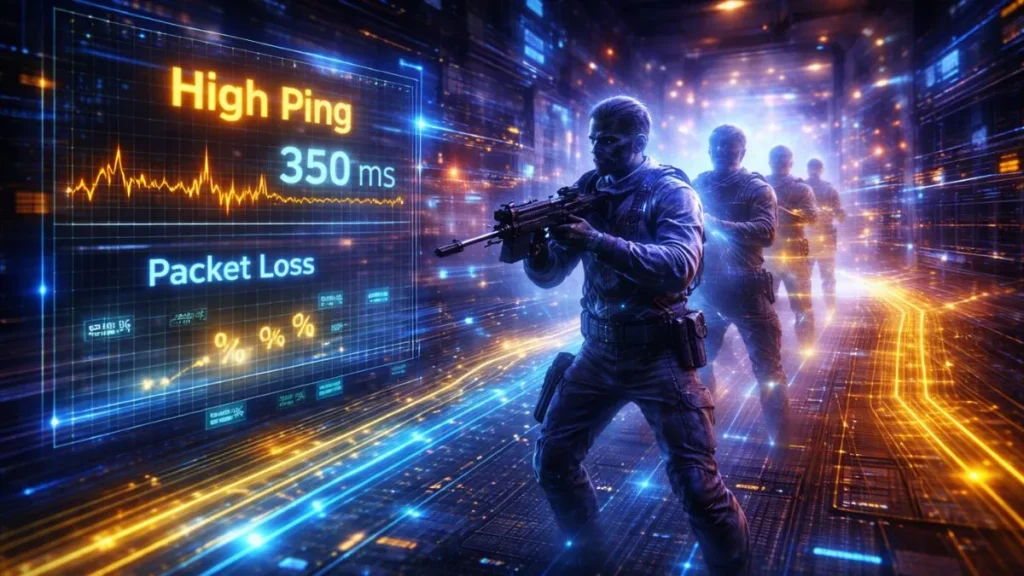
Lag has nothing to do with your hardware performance. It’s entirely about your internet connection and server communication. High ping, jitter, and packet loss are the main culprits here.
You’ll notice symptoms like delayed actions, rubber-banding, or enemies teleporting. Even if your PC runs at 200 FPS, lag can make the game feel unplayable. That’s because your system is waiting for data from the server.
FPS Drops & Stuttering (Rendering Issue)
FPS drops occur when your system fails to maintain a stable frame output. This leads to sudden dips, micro-stutter, or inconsistent gameplay. It’s often caused by shader compilation, background processes, or poor optimization.
Unlike lag, FPS drops are local performance issues. They’re directly tied to how your PC processes and renders the game.
Why These Issues Look Identical
Here’s where things get tricky. All three issues—bottlenecking, lag, and FPS drops—produce the same feeling: “my game is laggy.” That’s why so many players misidentify the problem.
The root causes, however, are completely different:
- Hardware limitation → bottleneck
- Network delay → lag
- System instability → FPS drops
This overlap creates confusion, leading players to upgrade the wrong components or blame the wrong factors. Recognizing the difference is the first step toward fixing the issue.
The Gaming Performance Stack
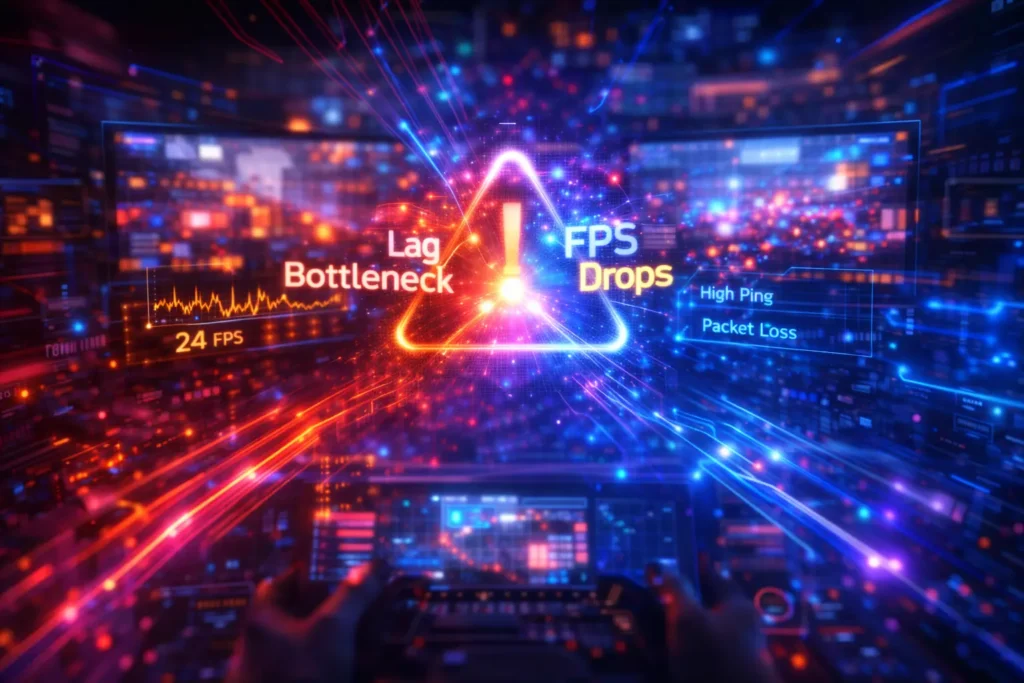
Think of your gaming system as a pipeline where each component has a specific role:
- CPU prepares frames
- GPU renders frames
- RAM feeds data
- Storage streams assets
- Network synchronizes multiplayer
If any part of this chain slows down, everything behind it gets delayed. That delay determines the type of issue you experience. For example, if the CPU struggles, the GPU sits idle—creating a bottleneck. If storage is slow, assets load late—causing stutter.
Understanding this stack helps you diagnose problems logically instead of guessing.
Bottleneck Deep Dive
A bottleneck is one of the most misunderstood performance issues in gaming PCs. It happens when one component limits the overall system performance, even if the rest of the hardware is powerful.
To properly understand it, we need to break it down into CPU, GPU, and hidden system limitations that affect gaming performance in different ways.
CPU Bottleneck
A CPU bottleneck occurs when your processor can’t keep up with your GPU. You’ll typically see high CPU usage and low GPU usage. This results in lower FPS and inconsistent performance.
Modern games rely heavily on CPU tasks like AI, physics, and draw calls. If your CPU is outdated or underpowered, it becomes the limiting factor.
GPU Bottleneck
This is actually the ideal scenario for most gamers. Your GPU runs at 95–99% usage, meaning it’s fully utilized. Your FPS is limited by graphical performance rather than system imbalance.
Increasing resolution or enabling ray tracing shifts more load to the GPU, often reducing CPU bottlenecks.
Hidden Bottlenecks
Not all bottlenecks are obvious. Sometimes the issue lies in:
- RAM bandwidth limitations
- VRAM overflow
- Slow HDD vs SSD performance
These hidden factors can cause stutter without obvious spikes in usage, making them harder to diagnose.
FPS Drops Explained (Frame Time Instability)
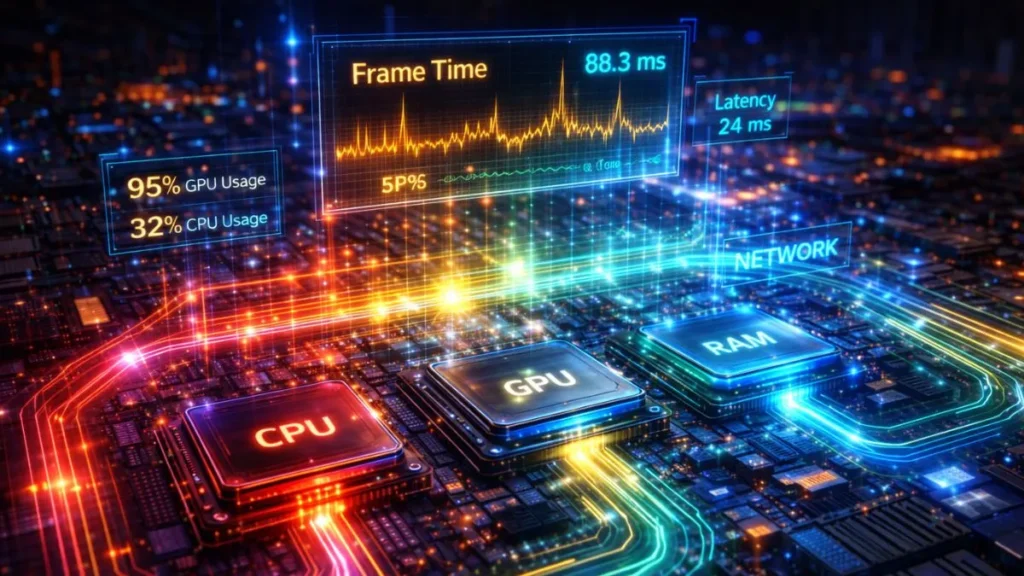
FPS drops are often misunderstood because players focus on averages instead of consistency. A game running at 100 FPS can still feel terrible if frame times fluctuate wildly.
The real culprit is frame time spikes. These spikes interrupt smooth motion, causing a visible stutter. Common causes include background apps, shader compilation, and thermal throttling.
That’s why monitoring tools that show frame time graphs are more useful than simple FPS counters. Stability matters more than peak numbers.
Lag Explained (Network Misunderstanding)
Lag is purely a network issue, yet many players blame their hardware for it. High ping means your actions take longer to reach the server and return. Jitter causes inconsistent delays, while packet loss leads to missing data.
This creates effects like delayed shooting, teleporting enemies, and rubber-banding movement. Importantly, lag doesn’t reduce FPS—it delays interaction.
Understanding this distinction prevents unnecessary hardware upgrades when the real issue is your connection.
Real-World Scenarios
| Scenario | What Happens | Root Cause |
|---|---|---|
| Weak CPU + strong GPU | FPS cap + stutter | CPU bottleneck |
| Strong CPU + weak GPU | Stable but low FPS | GPU limit |
| Online lag spikes | Rubber-banding | Network issue |
| SSD upgrade | Less stutter | Faster asset loading |
These examples highlight how different issues produce different symptoms—even if they feel similar at first.
How to Diagnose the Real Issue (Step-by-Step)
To accurately identify your problem, you need proper tools and observation. Use software like MSI Afterburner, RTSS, or Task Manager to monitor performance in real time.
Focus on these indicators:
- GPU usage %
- CPU per-core load
- Frame time graph
- 1% low FPS
If your GPU usage is low while CPU is maxed out, you have a CPU bottleneck. If frame times spike, it’s a stutter issue. If everything looks stable but gameplay feels delayed, it’s likely lag.
Diagnosis is about patterns—not single metrics.
Fixes Based on Root Cause
Different performance issues require different fixes. Once you identify whether the problem is CPU, GPU, or system-related, you can apply the right optimizations instead of guessing.
CPU Bottleneck Fix
Lower CPU-heavy settings like draw distance and NPC density. Close background apps and consider upgrading your processor if needed.
GPU Bottleneck Fix
Use technologies like DLSS or FSR to reduce load. Lower resolution or graphical settings to improve performance.
FPS Stutter Fix
Rebuild the shader cache, install games on SSD, and ensure drivers are updated. These steps improve frame stability.
Lag Fix
Use a stable internet connection, reduce network congestion, and choose servers closer to your region.
Advanced Concepts
To truly understand performance, you need to go beyond basics. Concepts like frame pacing, render queue delay, and CPU-GPU pipeline synchronization play a huge role in smooth gameplay.
Variable Refresh Rate (VRR) technologies like G-Sync and FreeSync help reduce perceived stutter by synchronizing display output with GPU frames. These technologies don’t increase FPS—but they make gameplay feel smoother.
Myth-Busting
- FPS = performance
- Bottleneck calculators are accurate
- Lag = FPS drop
- GPU upgrade fixes everything
These myths cause more confusion than clarity. Real performance is about balance—not just raw power.
Decision Flow
- Online delay → Lag
- Unstable FPS → FPS drop/stutter
- Maxed component → Bottleneck
- Sudden spikes → Thermal/RAM/storage issue
This quick system helps you instantly identify your issue without overthinking.
Frequently Asked Questions
Below are the FAQs.
What is the difference between lag and FPS drop?
Lag is caused by network delay, while FPS drops are caused by performance instability within your system. Lag affects responsiveness, whereas FPS drops affect smoothness.
Can a CPU bottleneck cause stuttering?
Yes, a CPU bottleneck can lead to inconsistent frame delivery, which results in stuttering—especially in CPU-heavy games.
Why do FPS drops happen even with a good GPU?
Because FPS drops are often caused by CPU limitations, background processes, or poor optimization—not just GPU performance.
Does RAM affect gaming performance?
Yes, insufficient or slow RAM can cause stutter, especially in modern open-world games that rely heavily on memory.
Why is GPU usage low?
Low GPU usage usually indicates a CPU bottleneck or engine limitation preventing the GPU from being fully utilized.
Conclusion
Bottleneck, lag, and FPS drops might feel the same during gameplay, but they come from entirely different sources. One is a hardware imbalance, another is a network delay, and the third is a performance instability issue. Treating them as the same problem leads to frustration and wasted effort.
True gaming performance depends on a balanced system, stable frame delivery, and a reliable network connection. Once you understand how these elements interact, diagnosing problems becomes straightforward. Instead of blindly upgrading hardware or tweaking random settings, you can target the exact cause.
Most importantly, remember this: fixing the right problem is more important than having the best hardware. Even mid-range systems can deliver smooth gameplay when properly optimized.
Try our PC Bottleneck Calculator to check your system performance instantly.
PC Bottleneck Calculator helps users analyze CPU and GPU performance, detect bottlenecks, and optimize PC builds with simple tools and practical guides.