
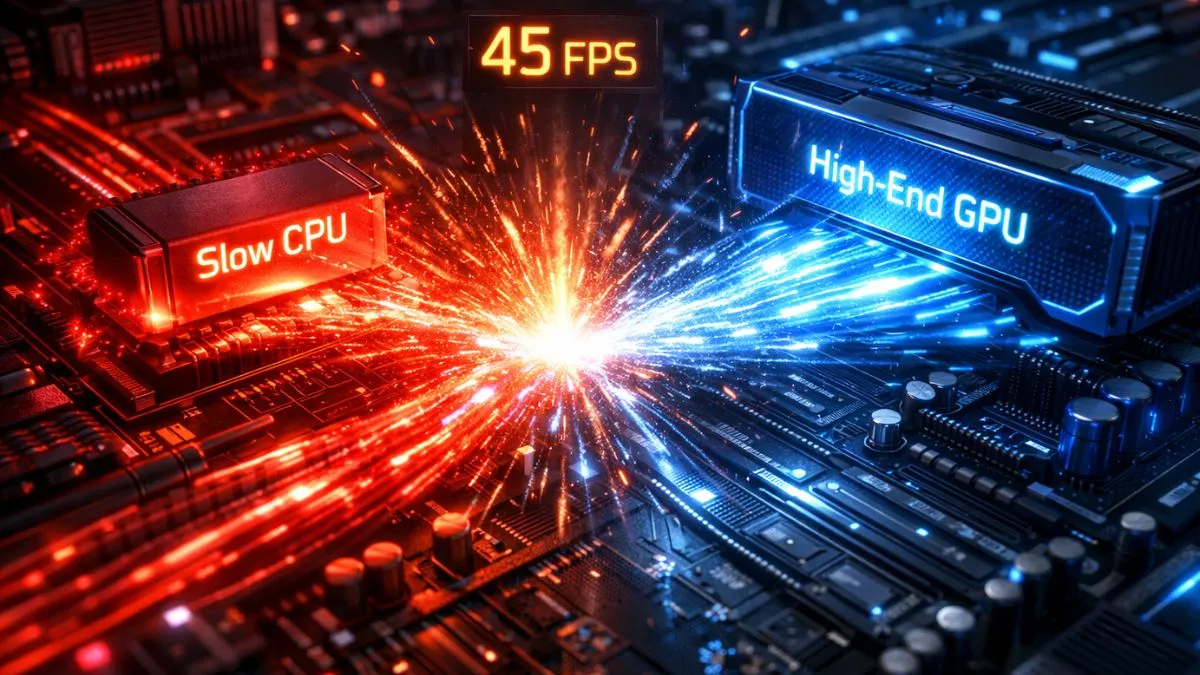
Yes, bottlenecking can reduce FPS, but only in specific situations. It depends on whether the CPU, GPU, or RAM is limiting your system. In some cases, it doesn’t reduce FPS but instead affects smoothness and frame consistency.
A CPU bottleneck can limit FPS even if your GPU is powerful because the processor cannot prepare frames fast enough. A GPU bottleneck usually means your graphics card is fully utilized, which is normal in gaming.
Introduction
Your PC isn’t broken… but it might not be performing at its full potential. A common reason behind this is something called a bottleneck—but does bottlenecking reduce FPS, or is that just another gaming myth?
The answer isn’t as simple as yes or no. Sometimes, a bottleneck can directly limit your frame rates, while in other cases, it only affects how smooth your gameplay feels.
It all depends on which component is holding your system back. In this guide, we’ll break down exactly how bottlenecks work and when they actually impact your FPS.
The Truth: Every PC Has a Bottleneck
Here’s something most guides won’t tell you clearly: every PC has a bottleneck.
There is no such thing as a perfectly balanced system. At any given moment, one component is always limiting performance—whether it’s the CPU handling game logic or the GPU rendering frames. This is simply how computing works.
Think of your PC like a production line. If one worker is slightly slower, the whole line adjusts to that pace. That “slowest worker” is your bottleneck.
The key takeaway?
Bottlenecks are normal—not always a problem.
In fact, a small bottleneck is expected. The real issue arises when the imbalance is so large that it causes FPS drops, stutters, or poor utilization.
How Bottlenecking Actually Reduces FPS
To understand this properly, you need to know how games render frames through something called the frame rendering pipeline.
Your system works like this:
- CPU prepares instructions (AI, physics, draw calls)
- GPU renders visuals
- Data flows between components
If one stage slows down, everything behind it waits.
CPU Bottleneck Explained
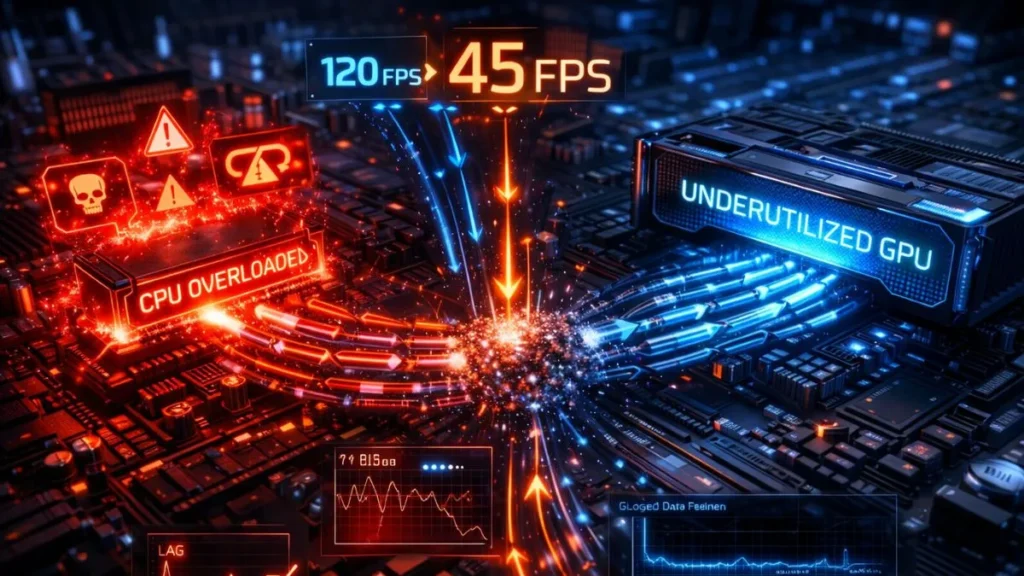
A CPU bottleneck happens when the processor cannot keep up with the GPU. This leads to:
- GPU underutilization
- Lower FPS despite a powerful GPU
- Delays in frame generation
In simple terms, your GPU is ready—but it’s just waiting.
This creates data transfer delays and limits how many frames can be produced per second.
GPU Bottleneck Explained
A GPU bottleneck is when your graphics card is maxed out (often 95–100% usage).
Here:
- The CPU is ready with data
- The GPU can’t render faster
- FPS becomes capped at the GPU capacity
This is actually the ideal bottleneck in gaming, especially at higher resolutions.
RAM Bottleneck Explained
A RAM bottleneck occurs when your system:
- Lacks enough memory
- Uses slow RAM
- Has poor configuration (like XMP disabled)
This leads to:
- Delayed data access
- Stuttering instead of pure FPS drops
- Inconsistent performance
When Bottlenecking DOES Reduce FPS
Not all bottlenecks behave the same. Some directly impact FPS.
Common situations:
- CPU-heavy games (AI, physics, simulations)
- Low resolution gaming (1080p or lower)
- High CPU usage (90–100%)
In these cases:
- CPU becomes the limiting factor
- GPU sits underutilized (sometimes below 70%)
- FPS gets capped regardless of GPU power
This is why lowering graphics settings doesn’t always increase FPS—because the problem isn’t the GPU.
When Bottlenecking DOES NOT Reduce FPS
Here’s where most people get confused.
A bottleneck does not always reduce FPS.
For example:
- At 1440p or 4K, systems become GPU-bound
- GPU runs at 99–100% usage
- FPS is stable, just limited
This is completely normal. In fact, most modern AAA games are GPU-limited at higher resolutions.
Important insight:
Bottleneck ≠ bad performance
Sometimes it just means your system is working efficiently.
FPS vs Smoothness (Critical SEO Section)
This is the part most gamers ignore—and it’s why many people misunderstand bottlenecks.
Average FPS vs 1% Lows vs 0.1% Lows
Average FPS tells you how many frames you get overall. But it doesn’t tell you how stable those frames are.
- Average FPS → overall performance
- 1% lows → worst 1% of frames
- 0.1% lows → extreme dips
These metrics reveal real gameplay experience.
Frame Time, Microstutter & Frame Pacing
Even if your FPS is high, poor frame pacing can make gameplay feel laggy.
This includes:
- Microstutter
- Frame spikes
- Inconsistent frame delivery
Small CPU spikes can cause stutters even when the average FPS looks fine.
That’s why:
High FPS, smooth gameplay
Types of Bottlenecks
There are different types of bottlenecks in a PC, and each one affects gaming performance uniquely. Let’s break them down below.
CPU Bottleneck
- Limits frame generation
- Affects AI, physics, and game logic
GPU Bottleneck
- Limits rendering performance
- Common in high-resolution gaming
RAM Bottleneck
- Caused by low capacity or slow speeds
- Leads to stutters and delays
Storage Bottleneck
- Slow HDDs cause texture loading delays
- SSDs improve responsiveness, not raw FPS
Signs You Have a Bottleneck
Watch for these:
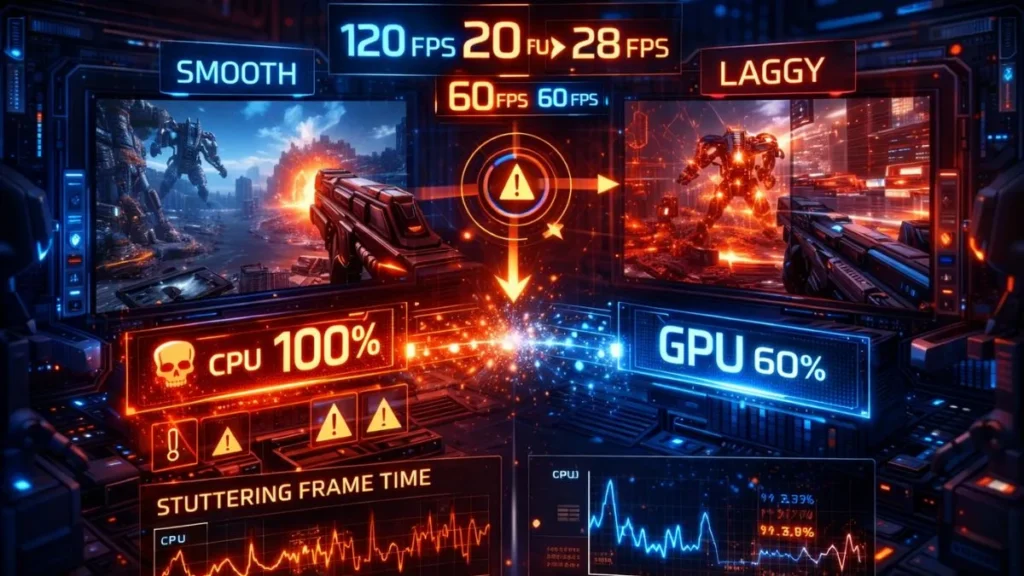
- CPU at 100% usage, GPU low usage
- GPU at 99%, but FPS is still low
- Sudden FPS drops
- Frame spikes and inconsistent FPS
These are classic signs of imbalance.
Real-World Scenarios
Here are some real gaming situations where bottlenecks affect performance differently depending on your system setup.
Scenario 1: Powerful GPU, Low FPS
→ CPU bottleneck
GPU is waiting for instructions.
Scenario 2: GPU Not Fully Utilized
→ CPU or RAM limitation
The system cannot feed data fast enough.
Scenario 3: High FPS but Laggy Gameplay
→ Frame pacing issue
Smoothness problem, not FPS.
What Causes Bottlenecks
Bottlenecks happen due to:
- Hardware imbalance (CPU vs GPU mismatch)
- Game optimization differences
- Resolution and graphics settings
- Background processes
- Thermal throttling
Even antivirus scans can temporarily reduce performance.
How to Check for Bottleneck
You don’t need guesswork—just monitor your system.
Steps:
- Check CPU and GPU usage %
- Use tools like MSI Afterburner
- Look for imbalance patterns
Example:
| CPU Usage | GPU Usage | Result |
|---|---|---|
| 100% | 60% | CPU bottleneck |
| 60% | 100% | GPU bottleneck |
| Balanced | Balanced | Optimal |
But you can also check bottlenecks easily in our Pc Bottleneck Calculator.
How to Fix a Bottleneck
Here are simple and effective ways to fix or reduce bottlenecks and improve your gaming performance.
Quick Fixes
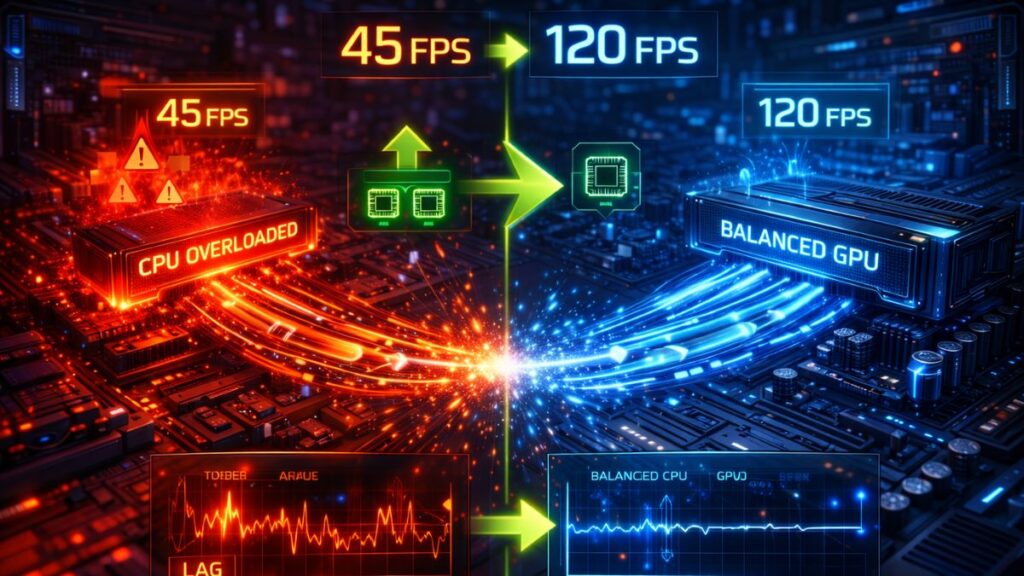
- Adjust graphics settings
- Close background apps
- Enable XMP for RAM
- Update drivers
Advanced Fixes
- Upgrade CPU or GPU
- Increase RAM speed/capacity
- Switch to SSD
Should You Fix a Bottleneck?
Not always.
Fix it if:
- You play competitive games
- FPS drops affect performance
Ignore it if:
- Gameplay feels smooth
- FPS meets your target
Focus on experience, not numbers
Common Bottleneck Myth:
- A bottleneck is always bad
- Only CPU & GPU matter
- Higher FPS always means smoother gameplay
Frequently Asked Questions
Below are the FAQs.
Does bottlenecking always reduce FPS?
No, it doesn’t always reduce FPS. Sometimes it only limits maximum FPS or affects smoothness instead of average performance.
Is the CPU bottleneck worse than the GPU bottleneck?
Yes, generally CPU bottlenecks are worse because they can cause stuttering and inconsistent frame delivery.
Can a RAM bottleneck affect FPS?
Yes, but it usually affects stability and causes stutters rather than reducing average FPS significantly.
How much bottleneck is acceptable?
A small bottleneck (5–10%) is completely normal and usually not noticeable in real gameplay.
How do I check if my PC is bottlenecked?
Monitor CPU and GPU usage. If one is maxed out while the other is underutilized, you likely have a bottleneck.
Conclusion
Bottlenecking is one of the most misunderstood concepts in gaming performance. The truth is simple: it can reduce FPS, but not always. Sometimes it caps your performance, and other times it only affects how smooth your gameplay feels.
CPU bottlenecks tend to cause the biggest FPS drops, especially in CPU-heavy games and low-resolution setups. GPU bottlenecks, on the other hand, are normalized in modern gaming. RAM and storage bottlenecks usually affect stability rather than raw FPS.
What really matters is balance. Instead of chasing a “zero bottleneck” system—which doesn’t exist—you should aim for a setup where all components work efficiently together.
Before upgrading anything, check your system usage. Look at CPU and GPU utilization, monitor frame times, and identify the real limitation. You might find that a simple tweak—like enabling XMP or closing background apps—can fix your issue without spending money.
From real-world experience, most gamers focus too much on FPS numbers. But the real game-changer is consistent performance. Fix the right bottleneck, and your game won’t just run faster—it will feel smoother.
PC Bottleneck Calculator helps users analyze CPU and GPU performance, detect bottlenecks, and optimize PC builds with simple tools and practical guides.